Develop a design brief that can be tested
Connect a genuine user need to measurable criteria, prototype evidence and a justified design decision.
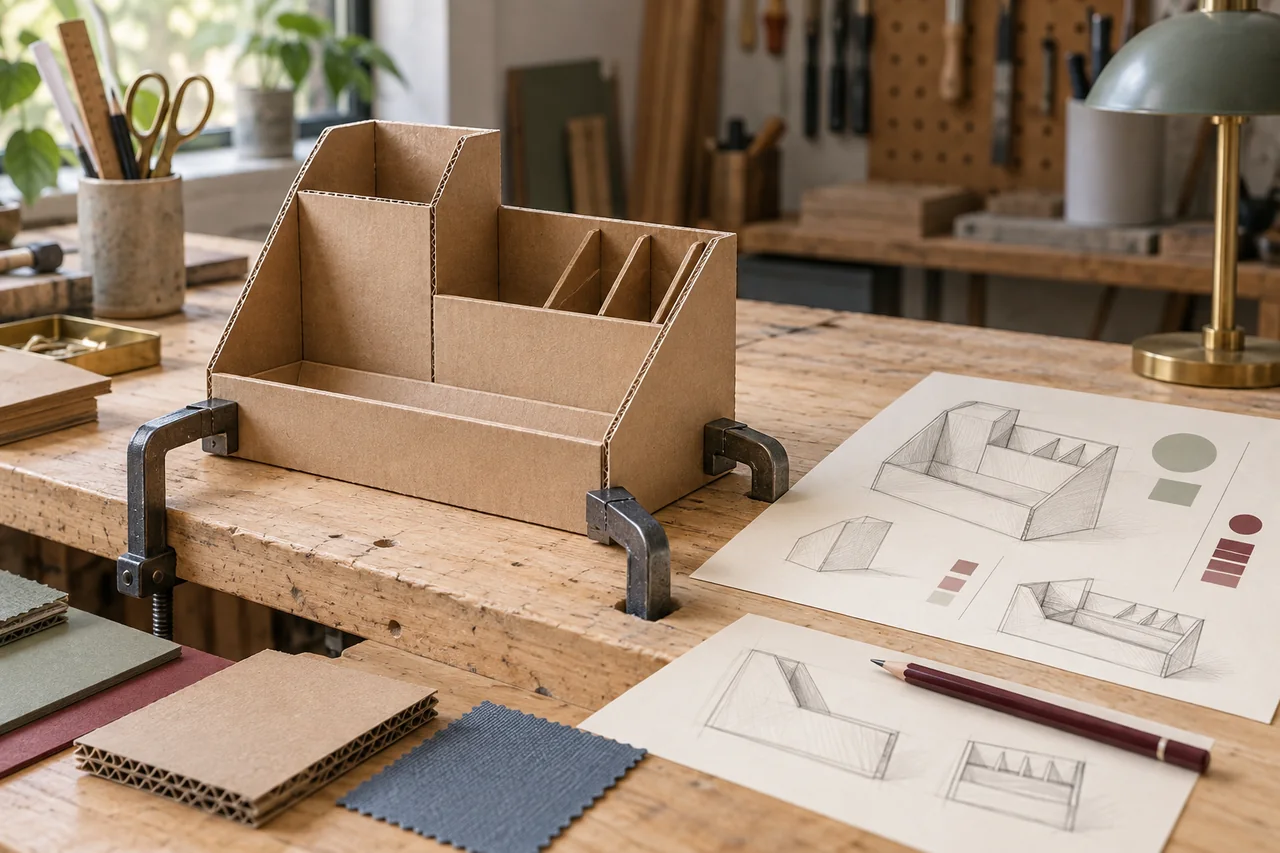
Begin with a need rather than a favourite object
Identify who experiences a problem, where it occurs and what makes the current situation unsatisfactory. Observe or discuss the situation through school-approved methods. A product idea you like can be a starting hypothesis, but it should not dictate the user need. Record the evidence that establishes the problem and distinguish it from your assumptions. A focused design brief describes a context and intended improvement clearly enough for another person to understand why the project matters.
Turn user evidence into criteria
Translate important needs into requirements you can evaluate. For an illustrative desktop support, relevant criteria might concern stability under a defined load, access to controls, available desk space and safe handling. Choose measures that relate to the actual need; an attractive-looking numerical target is not useful if it has no justification. Record how you will test each criterion and where the target came from. Keep constraints, such as materials or available fabrication methods, distinct from outcomes the design should achieve.
Compare options before committing
Sketch several possible approaches and explain how each addresses the criteria. Use a comparison that makes trade-offs visible instead of giving every favourite option the highest score. A simpler mechanism may be easier to manufacture and maintain, while another may offer more adjustment. State which evidence you still need. Your choice should be understandable from the problem, criteria and practical constraints, rather than relying on a general claim that the design is innovative.
Use a prototype to answer a question
Choose a prototype form that tests a particular uncertainty. A cardboard model might reveal access and dimensions, while a different test rig is needed to investigate structural performance. Label the limitations of the prototype so that its evidence is not mistaken for full product performance. For the desktop support example, a user might discover that an adjustment control is difficult to reach. That observation supports a change to control placement; it does not by itself establish long-term durability.
Make iterations traceable
Keep a concise record of the version, test, observation, decision and reason for the change. Include unsuccessful tests when they explain why a design developed in a particular direction. Photographs and sketches should show relevant evidence with suitable labels, not merely make the portfolio look fuller. Distinguish planned tests from completed ones. If a test cannot be conducted safely or realistically, discuss an appropriate alternative with your teacher and identify what that alternative can and cannot establish.
Evaluate the design against the original need
Return to the criteria and assess which are supported by the available evidence. Explain limitations and realistic further development without claiming that a prototype proves every outcome. Check the task structure, permitted methods and required documentation against your assessment-session guide. Design Technology changes for first assessment in 2027, so an older project structure should not automatically become your template. The useful transferable process is a traceable relationship between need, design decisions, testing and evaluation.
Your next-step checklist
Checklist choices stay in this browser.
Official references
This is an original practical guide from IBvia. The examples are illustrative; your subject guide, assessment year and school instructions determine the requirements.
Keep working on your next step
Design a science IA you can actually carry out
Move from a research question to a safe pilot, usable data and a specific evaluation of your method.
Read the guide ↗
Eight starting questions for a Biology investigation
Original investigation seeds with measurable outcomes, manageable boundaries and practical checks before collecting data.
Read the guide ↗